EN
EN  FR
FR  DE
DE  RU
RU  ES
ES  PT
PT  JA
JA  KO
KO  ID
ID 
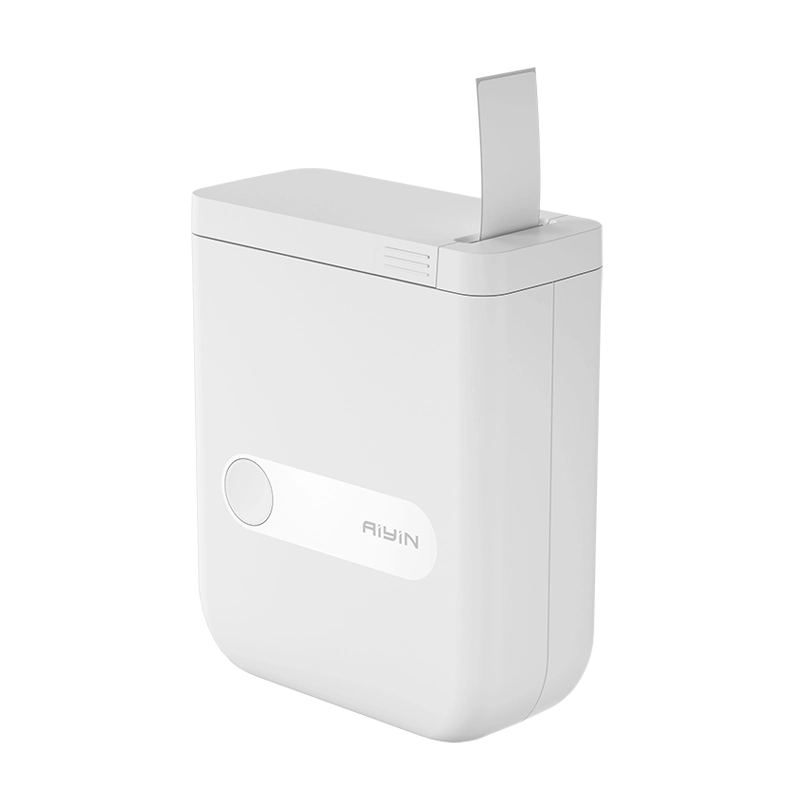
Printing in healthcare is not a commodity task: it is a mission-critical step that affects patient safety, sample integrity, and regulatory compliance. Aiyin, a leading thermal printer manufacturer, collects common clinical printing needs to the thermal printer types and features that reliably address them. And we will discuss the specific pain points in each scenario, how thermal technology mitigates risk, and what buyers should require from suppliers.
Mission-critical Printing in Healthcare
Hospitals, clinics, pharmacies, and labs depend on printed outputs for identification, chain-of-custody, medication direction,s and billing. Mistakes caused by illegible handwriting, faded labels, or mismatched barcodes are safety incidents. A properly specified thermal printer reduces human error, improves throughput, and lowers device maintenance overhead. Below, our sales team analyzes four high-risk use cases and identifies the printer classes and features that solve them.
Key Printing Needs, Pain Points, and How Thermal Printers Help
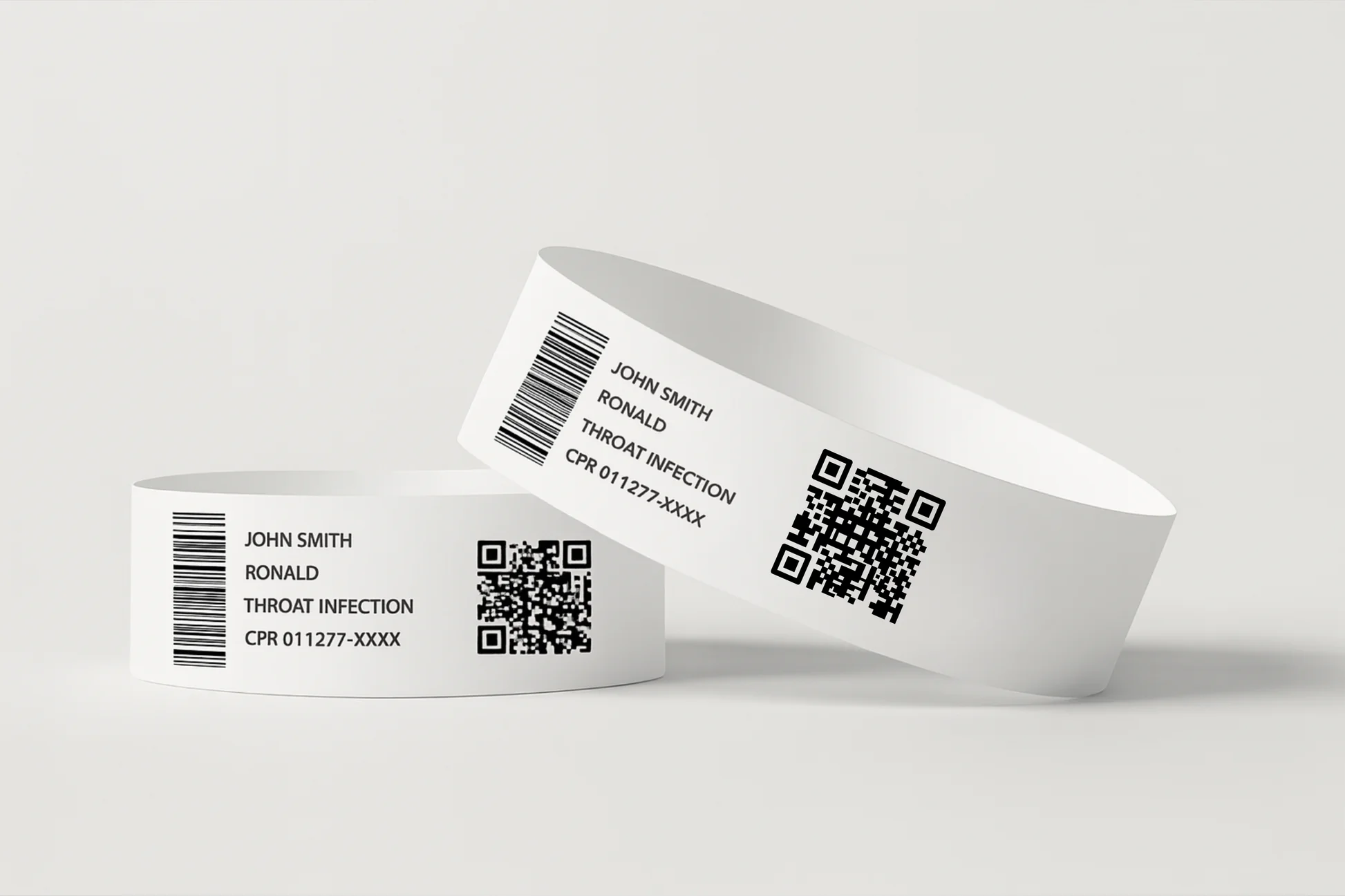
1. Patient identification & wristbands
Pain points
- Handwritten wristbands are variable and often illegible.
- Barcodes printed poorly lead to failed scans at medication administration or labs.
- Wristbands are exposed to washing, alcohol-based disinfectants, and sweat.
Impact
- High patient-safety risk; immediate priority for error reduction.
How a thermal printer helps
- High-resolution direct-thermal wristband printers produce dense, scannable barcodes and clear human-readable text (203–300 dpi recommended).
- Use of medical-grade wristband media (waterproof, alcohol- and abrasion-resistant) prevents fade and smearing.
- Integration with the hospital information system (HIS) enables on-demand wristband printing at admission, minimizing manual entry.
Recommended printer class
- Desktop thermal label printer or dedicated direct-thermal wristband printer (203/300 dpi) with secure media handling.
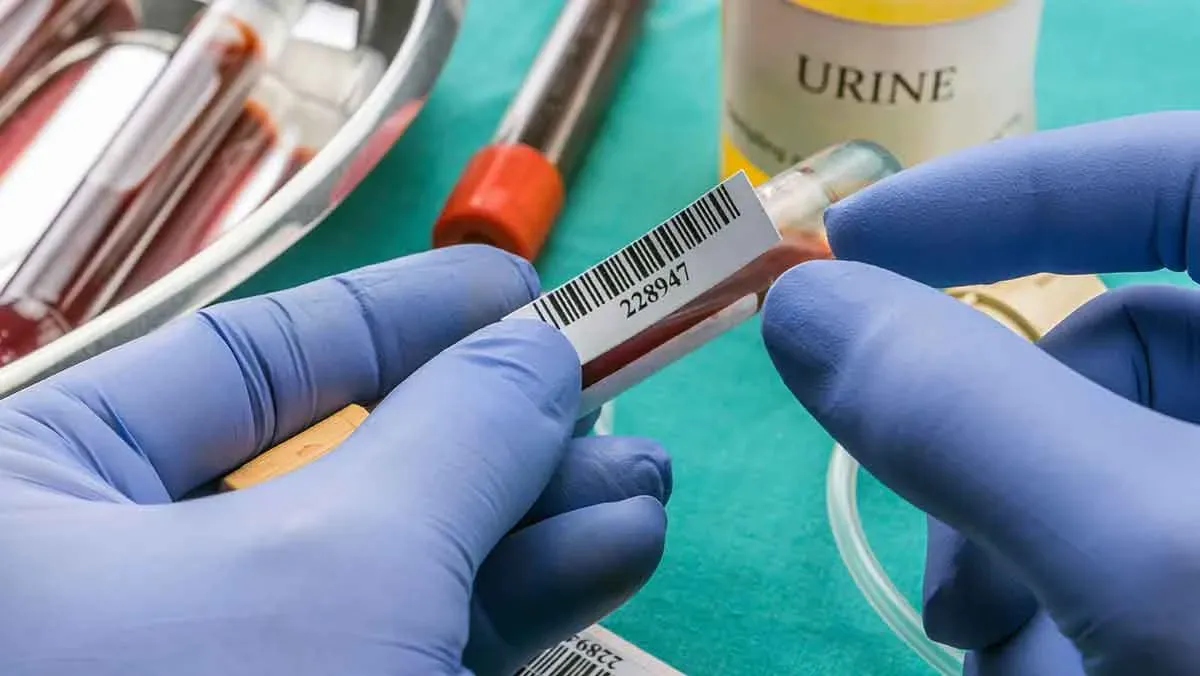
2. Laboratory specimen labeling
Pain points
- Small-format labels (tube, cryovial) require high-density barcodes; any degradation risks result in sample misidentification.
- Labels must survive refrigeration/freezing cycles and chemical exposure.
- Manual labeling increases turnaround time and error rate.
Impact
- Extremely high risk; sample misidentification can produce incorrect diagnoses.
How a thermal printer helps
- High-resolution thermal printers (300 dpi and above) render compact, high-density barcodes that remain readable by automated scanners.
- Thermal-transfer printing with resin ribbons onto synthetic media ensures durability through cold-chain and solvent exposure.
- Direct integration with laboratory information systems (LIS) enables automated, auditable label generation.
Recommended printer class
- High-resolution thermal label printer or compact lab label printer capable of thermal-transfer with compatible low-temperature synthetic labels.
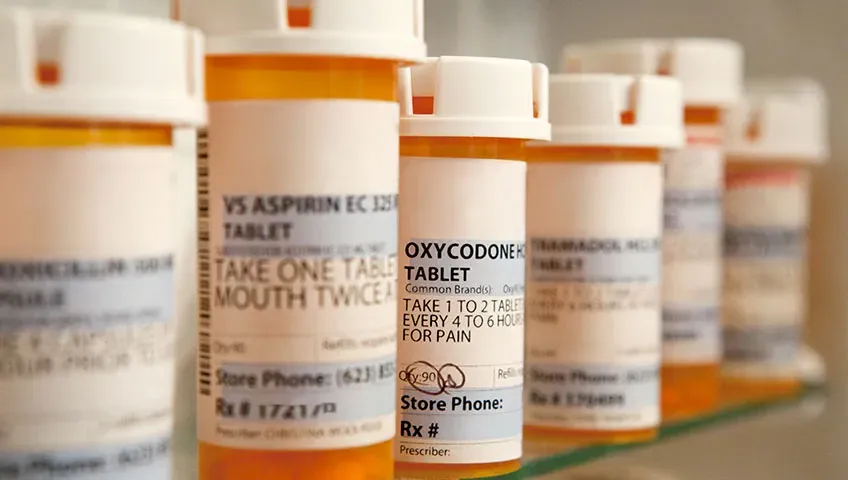
3. Pharmacy prescription and drug labeling
Pain points
- Small, dense text for dosage instructions and batch data can be hard to fit and read.
- Labels on bottles and blister packs must remain legible for the product’s life.
- Peak dispensing times require reliable, high-throughput printing.
Impact
- Medium–high risk for medication errors and regulatory non-compliance.
How a thermal printer helps
- Desktop thermal printers deliver consistent text and barcode clarity on adhesive labels.
- Thermal-transfer options increase label longevity and resistance to handling, moisture, and solvent contact.
- Batch printing and label templating reduce queue times and standardize label content for compliance.
Recommended printer class
- Desktop thermal printer for standard pharmacy use; thermal-transfer variants for long-term or high-exposure labels.
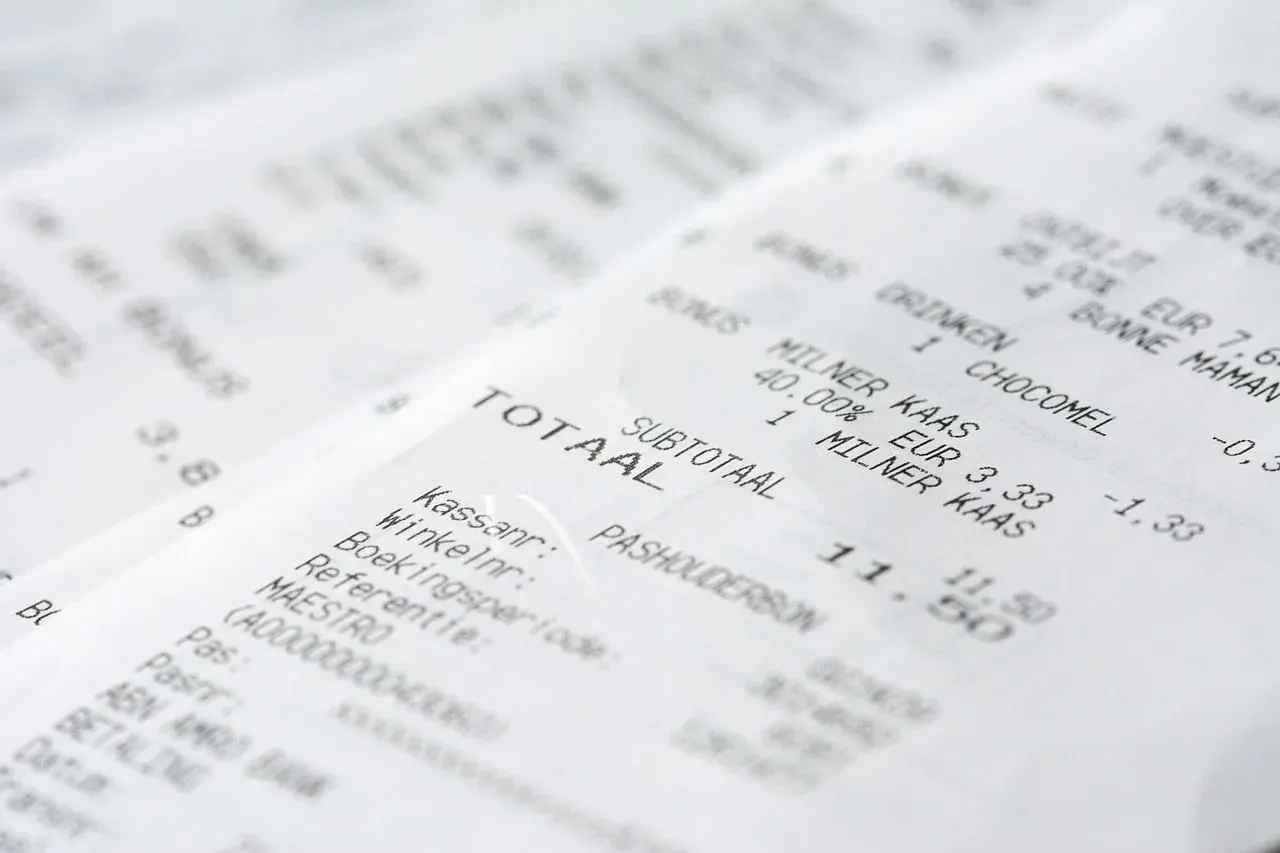
4. Medical billing & receipt printing
Pain points
- High-volume front-desk printing must be fast and quiet.
- Faded receipts complicate insurance claims and patient records.
- Frequent maintenance of non-thermal printers (ink/toner) creates operational overhead.
Impact
- Low–medium operational risk; primarily affects efficiency and patient experience.
How a thermal printer helps
- POS thermal receipt printers print quickly and quietly, with minimal maintenance.
- Use of higher-stability thermal paper extends readability for administrative purposes.
- Networked interfaces (USB/LAN/Wi-Fi) integrate with billing systems for streamlined checkout.
Recommended printer class
- POS thermal receipt printer with recommended print speed (e.g., ≥200 mm/s) and multi-interface support.
Why Thermal Printers Are Preferred in Healthcare
- No ink / reduced contamination risk — direct-thermal systems eliminate cartridges and toner, lowering contamination vectors.
- Fast, quiet operation — suitable for clinical environments where noise and delay matter.
- High barcode precision — sharp edge definition improves first-pass scan rates.
- Lower maintenance and TCO — fewer consumables and simpler service reduce lifecycle costs.
Direct Thermal Vs Thermal Transfer — Choosing by Retention Needs
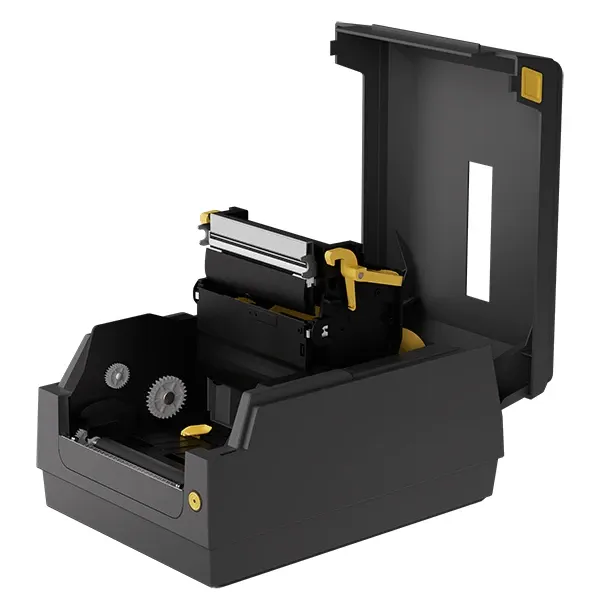
- Direct thermal printer: best for short-term items (wristbands, receipts, temporary labels). Lower per-label cost and simpler consumables, but vulnerable to heat, abrasion, and solvents.
- Thermal transfer printer: recommended for long-term labels (specimen archives, drug labeling) where resistance to chemicals, UV, and abrasion is required. Use resin ribbons with synthetic substrates for the highest durability.
Match the choice to the expected label life and environment, rather than defaulting to one technology.
Key Features Buyers and Distributors Must Require
When selecting a thermal printer that is compatible with pharmaceutical usage, you need to consider:
- Resolution: 203 dpi for receipts/wristbands; 300 dpi for high-density lab barcodes.
- Media compatibility: medical-grade wristbands, low-temp labels, synthetic substrates, and thermal-transfer ribbon types.
- Environmental tolerance: support for freezer-rated media and top-coated stocks.
- Connectivity & integration: USB, LAN, Wi-Fi, Bluetooth; HL7/HIS/LIS integration or SDKs for seamless workflow.
- Certifications & QA: CE/FCC, RoHS, and documented batch QC for consumables; supplier burn-in and MTBF data.
How to Choose the Right Thermal Printer for a Given Setting
Assess four variables before procurement:
- Risk profile — patient ID and specimen labeling require higher spec (resolution, durable media).
- Location — bedside or mobile needs a battery and wireless; central stations can use desktop devices.
- Label life — temporary vs archival determines direct thermal vs thermal-transfer.
- Supply chain — ensure consistent availability of compatible media and ribbons.
Run a short pilot with actual media, workflows, and scanning hardware before enterprise rollout.
Conclusion
A thermal printer is not a generic accessory; it is a component of clinical safety and workflow design. Properly specified devices reduce scan failures, eliminate handwriting errors, and cut maintenance overhead. Select printers and consumables by scenario: wristbands and receipts for direct-thermal, lab archives and drug labels for thermal-transfer on synthetic substrates. Require integration capability, media traceability, and supplier QA to ensure the printing solution meets clinical reliability and regulatory needs.
About Aiyin
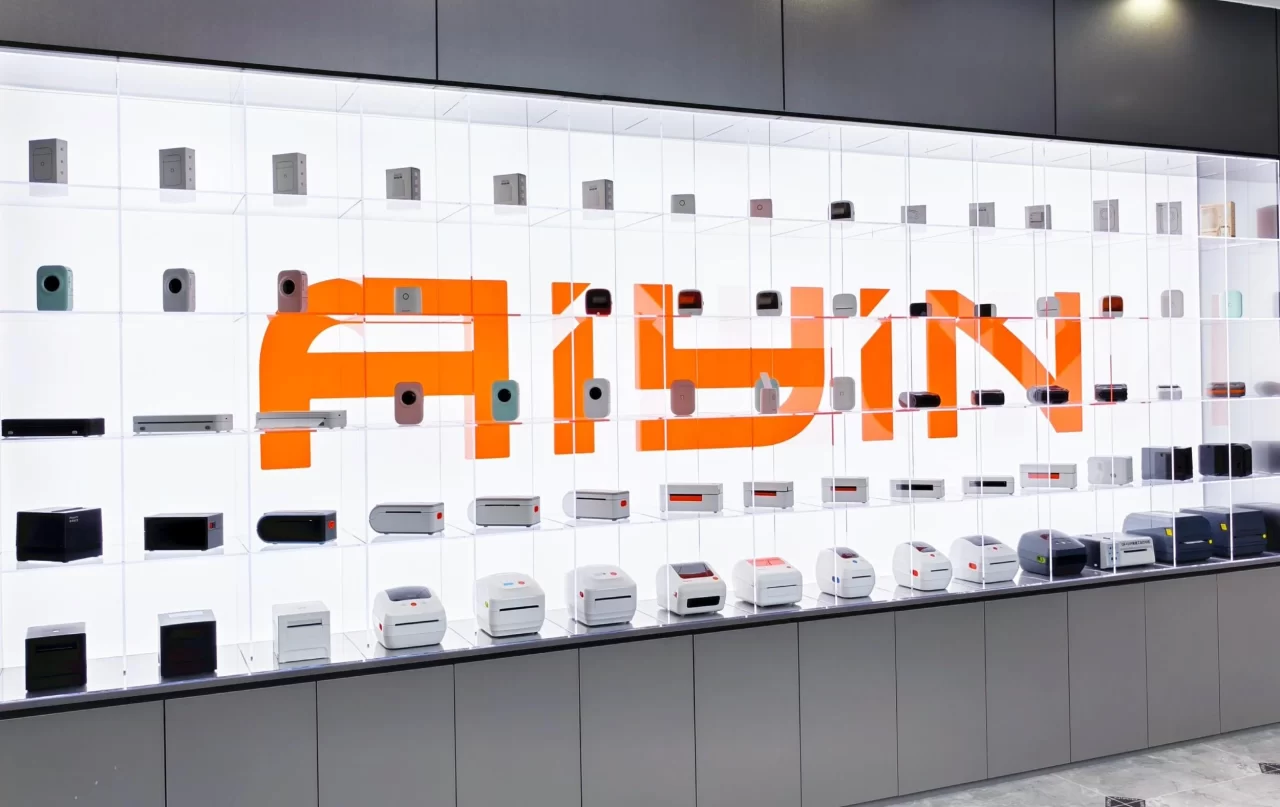
Aiyin is a specialized thermal printer manufacturer that can offer thermal printing solutions for the healthcare industry. Production is managed under controlled batch processes to ensure consistent print density, barcode accuracy, and device reliability across deliveries.
Beyond standard desktop and POS models, Aiyin supports thermal printer OEM/ODM programs for distributors and system integrators, including firmware customization, interface configuration (USB/LAN/Wi-Fi), private labeling, and workflow integration with HIS/LIS systems.
With validated components, documented QC procedures, and stable consumable compatibility, Aiyin supplies B2B partners with dependable printing hardware designed for regulated medical applications.