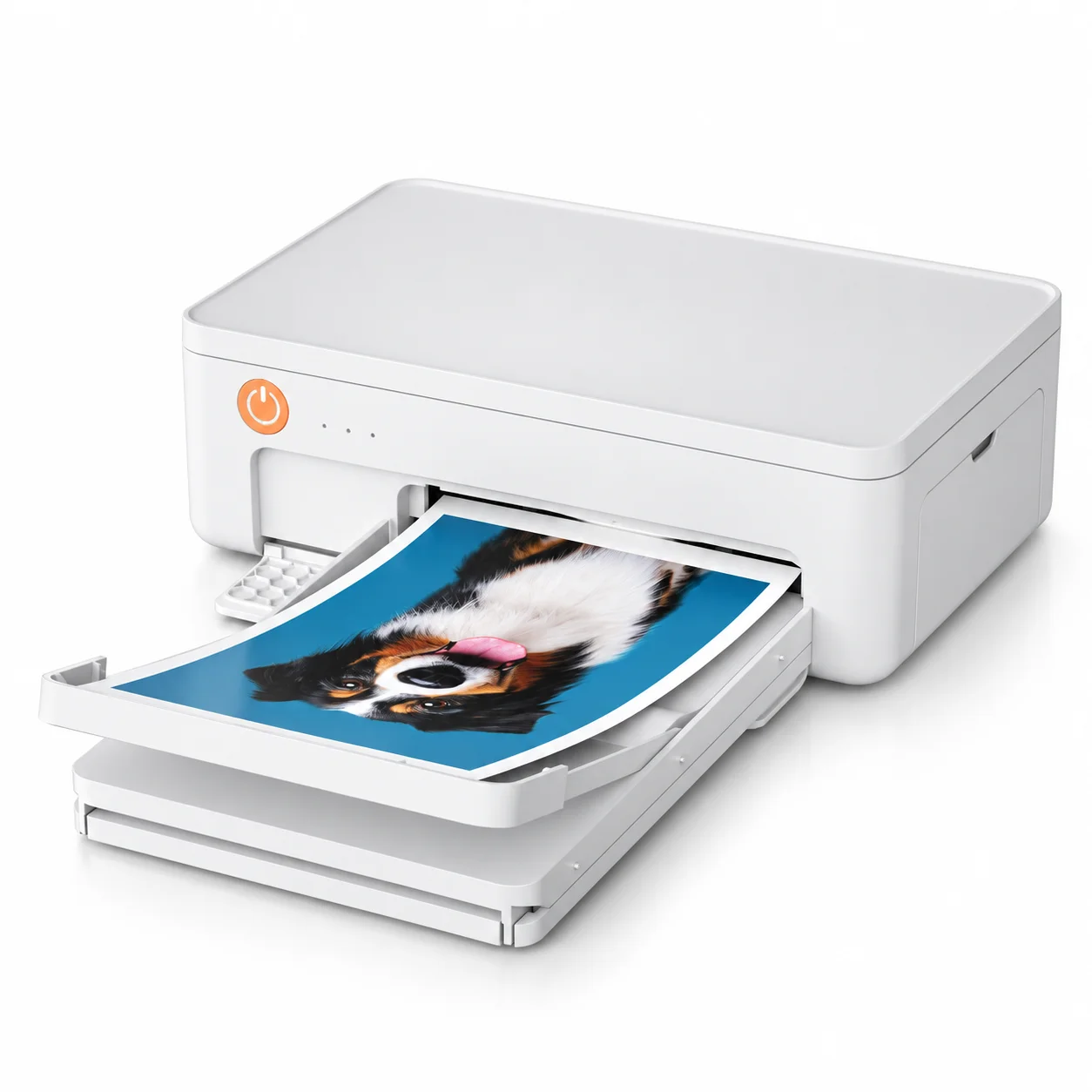
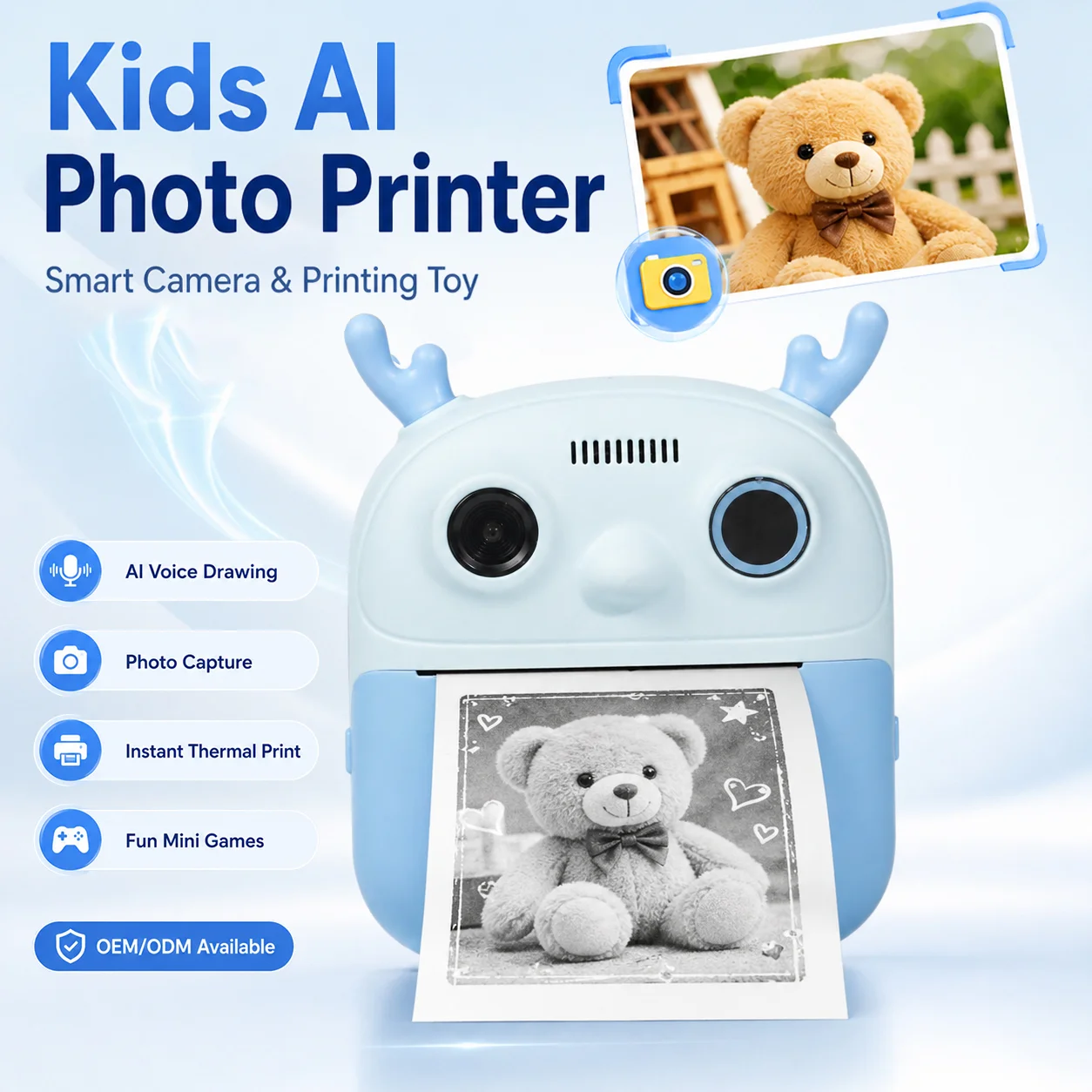
Nowadays, offices are not uniform printing environments. They contain two fundamentally different systems operating in parallel.
One is document-centric: contracts, reports, invoices, compliance files.
The other is execution-centric: labels, tags, receipts, internal tracking outputs.
As a wholesale thermal printer supplier, through this article, Aiyin explains how to choose between traditional and thermal printers for office use by breaking down real office workflows, hidden cost structures, and practical system setups—so you don’t choose the wrong printing system and waste long-term operational cost.
Traditional vs Thermal Printers in a Real Office Environment
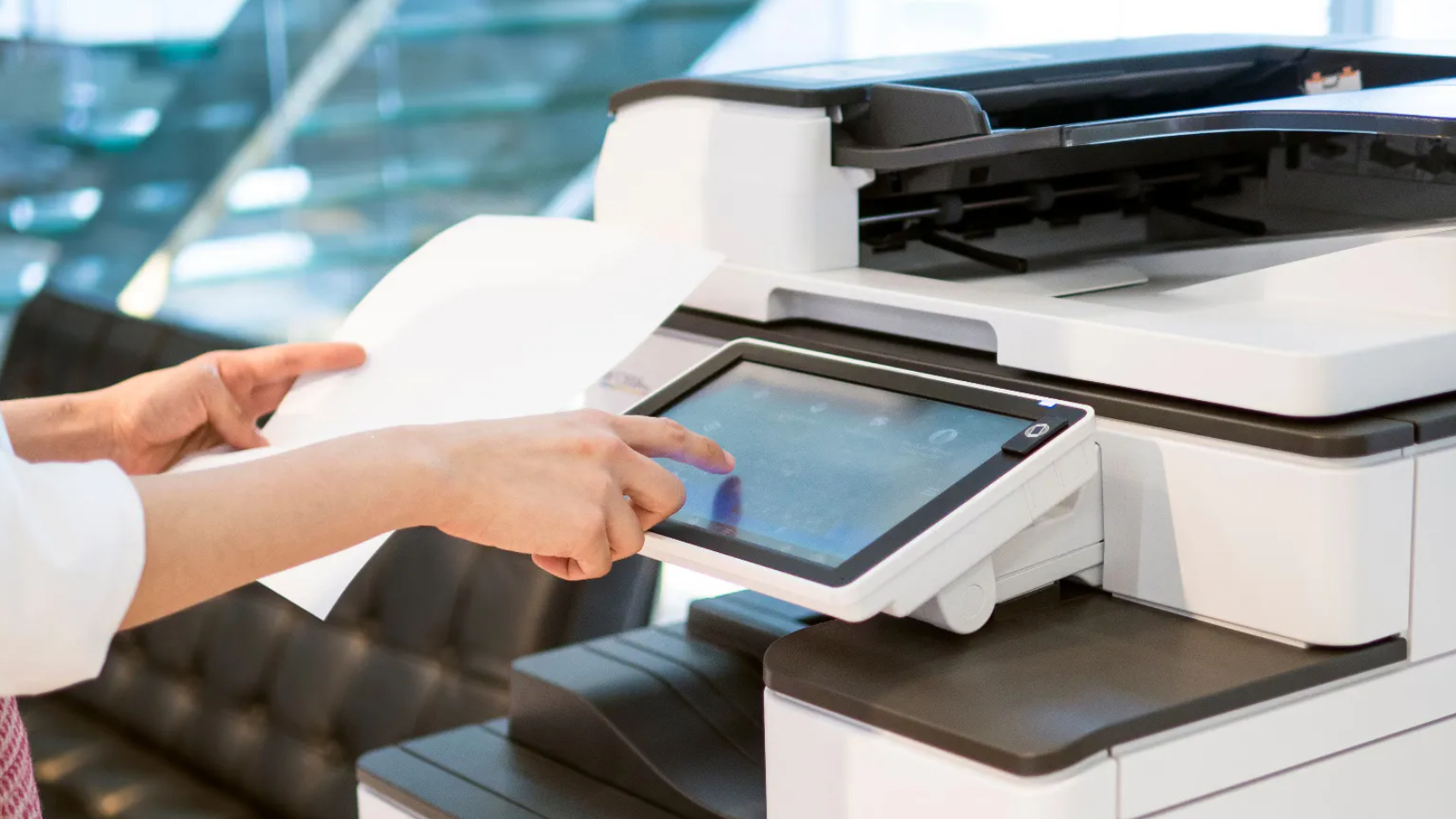
Office Document Printing (Traditional Printers Dominate)
Traditional printers remain the core infrastructure for administrative output:
- Contracts and agreements
- Financial reports and invoices
- HR documentation
- Compliance and audit records
These require:
- High clarity and formatting accuracy
- Reliable long-term storage readability
- Flexible page-based output
Traditional laser/inkjet systems are optimized for information representation, not operational throughput.
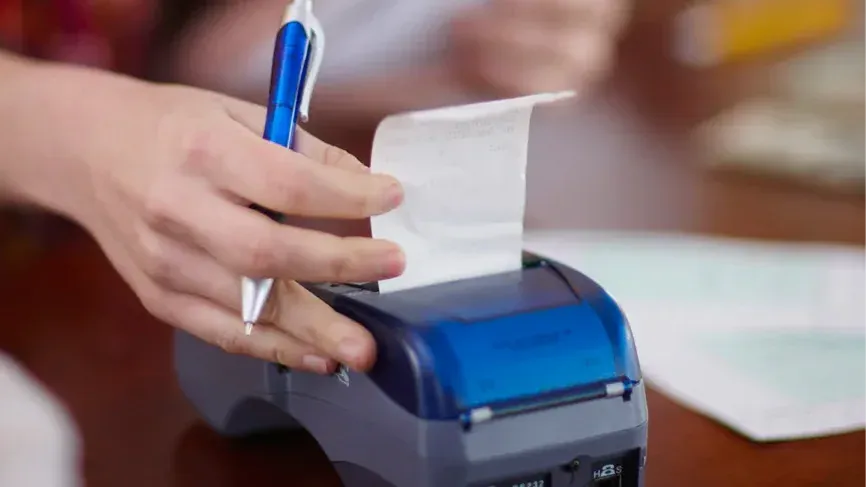
Office Operational Printing (Thermal Printers Dominate)
Operational printing is fundamentally different:
- Shipping or internal routing labels
- Asset tracking stickers
- Barcode printing for inventory systems
- Quick verification slips or receipts
Requirements here are:
- Speed and repetition
- Minimal maintenance
- Continuous output stability
- Integration with workflow systems
Thermal printing is designed as an execution tool, not a documentation tool.
Why Offices Fail When They Try to Use Only One System
Only Traditional Printers
When offices rely solely on traditional printers:
- Label and tag printing becomes inefficient
- Consumable costs increase under repetitive use
- Maintenance interruptions affect workflow continuity
- Simple operational tasks slow down administrative flow
Traditional systems are not built for repetitive execution environments.
Only Thermal Printers
When offices over-rely on thermal systems:
- Formal documentation becomes impossible
- Compliance and archival requirements are not met
- Formatting flexibility is severely limited
Thermal printers cannot replace structured document infrastructure.
The Real Cost Structure Inside Offices
Office printing cost is not the hardware cost. It is a workflow cost.
Key hidden variables:
- Consumables lifecycle cost
- Downtime from errors or maintenance
- Reprint frequency caused by inefficiency
- Time is lost between departments due to a system mismatch
Over a 12–36 month cycle, cost distribution depends more on usage pattern than device price.
Recommended Office Thermal Printer Solutions
Solution 1 — Document-Centric Office (Legal, Finance, Corporate Admin)
Recommended Structure
- Primary system: traditional laser printer (centralized)
- Secondary system: optional thermal printer for limited operational tasks
Why this works
These offices are dominated by:
- Contracts
- Reports
- Compliance documentation
- Client-facing paperwork
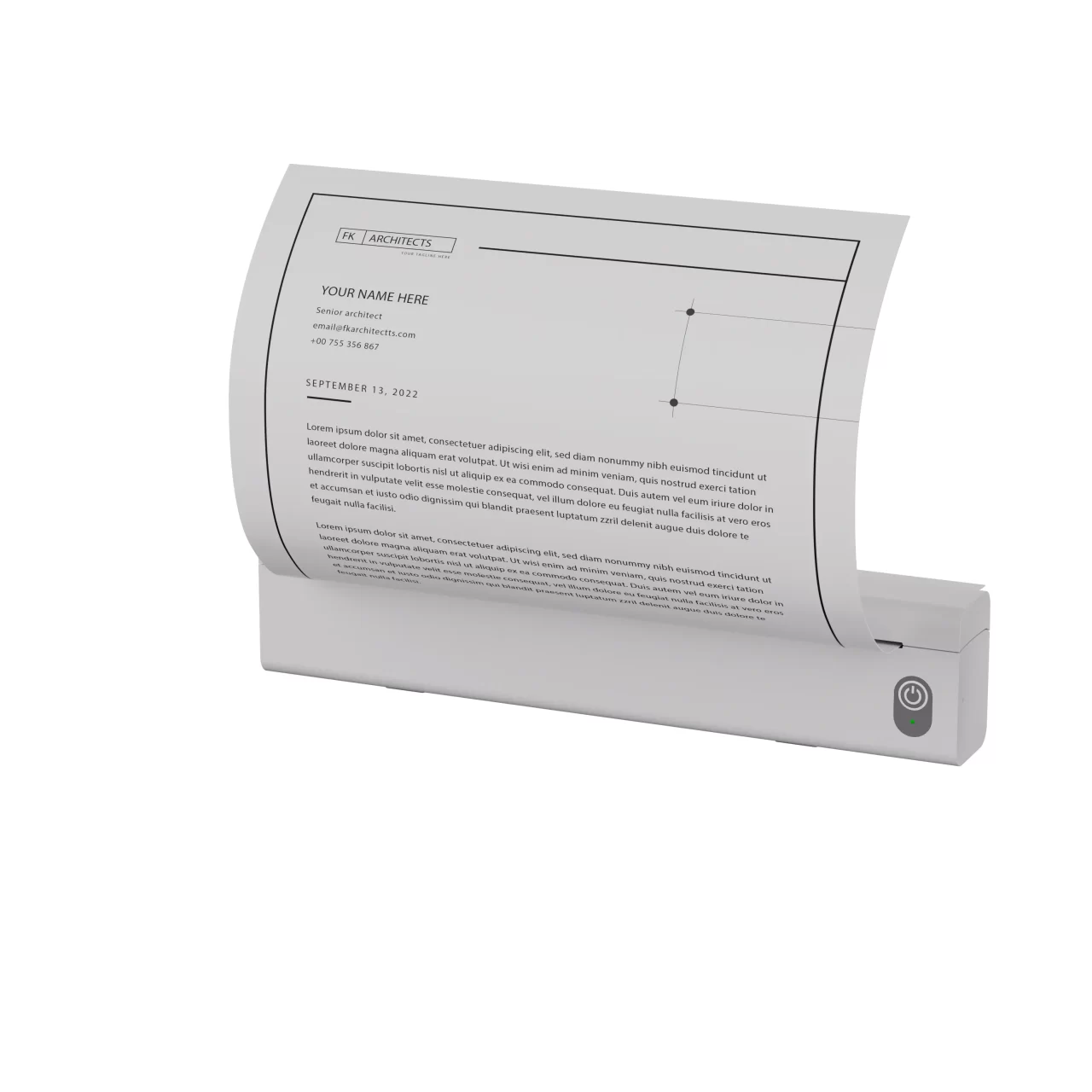
Thermal systems play a minor supporting role only. AiYin’s A4-format office thermal printers can be used selectively in hybrid workflows where fast document output is needed without heavy ink/toner dependency, especially for internal drafts or temporary documentation flows.
Key design principle
Do not decentralize document printing. Centralization reduces inconsistency in formatting and archiving.
Common mistake
Adding too many small printers per desk increases maintenance overhead without improving productivity.
Solution 2 — Operations-Heavy Office (Logistics, E-commerce Back Office, Fulfillment Admin)
Recommended Structure
- Primary system: thermal printing network (distributed)
- Secondary system: one or two traditional printers for documentation
Why this works
Operational flow dominates:
- Shipping labels
- Order processing slips
- Inventory tracking
- Internal movement tags
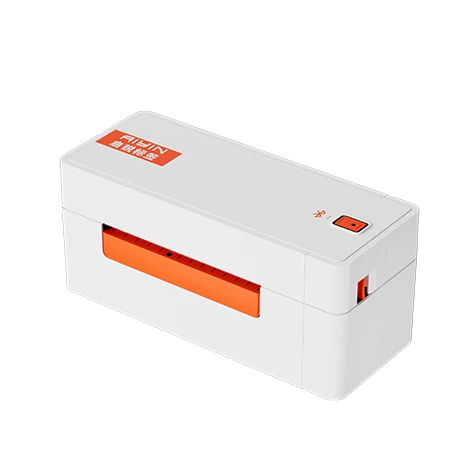
AiYin’s shipping label printer series is designed for high-speed output and integration with business workflows, commonly used in retail and logistics-style office operations.
Key design principle
Printing must be embedded into workflow speed, not treated as a separate step.
Critical advantage
Thermal systems eliminate bottlenecks in repetitive output environments.
Common mistake
Using office laser printers for label printing leads to high cost and frequent delays.
Solution 3 — Hybrid Office (Most Real Companies)
Recommended Structure
- Document layer: shared traditional printing system
- Operational layer: departmental thermal printers
- Admin des k→ label + file organization printer
- Warehouse/stock area → receipt/record print support
- Reception or front desk → high-frequency label printing
Why this works
Most real offices are hybrid environments:
- Admin generates documents
- Operations execute tasks
- Finance bridges both systems
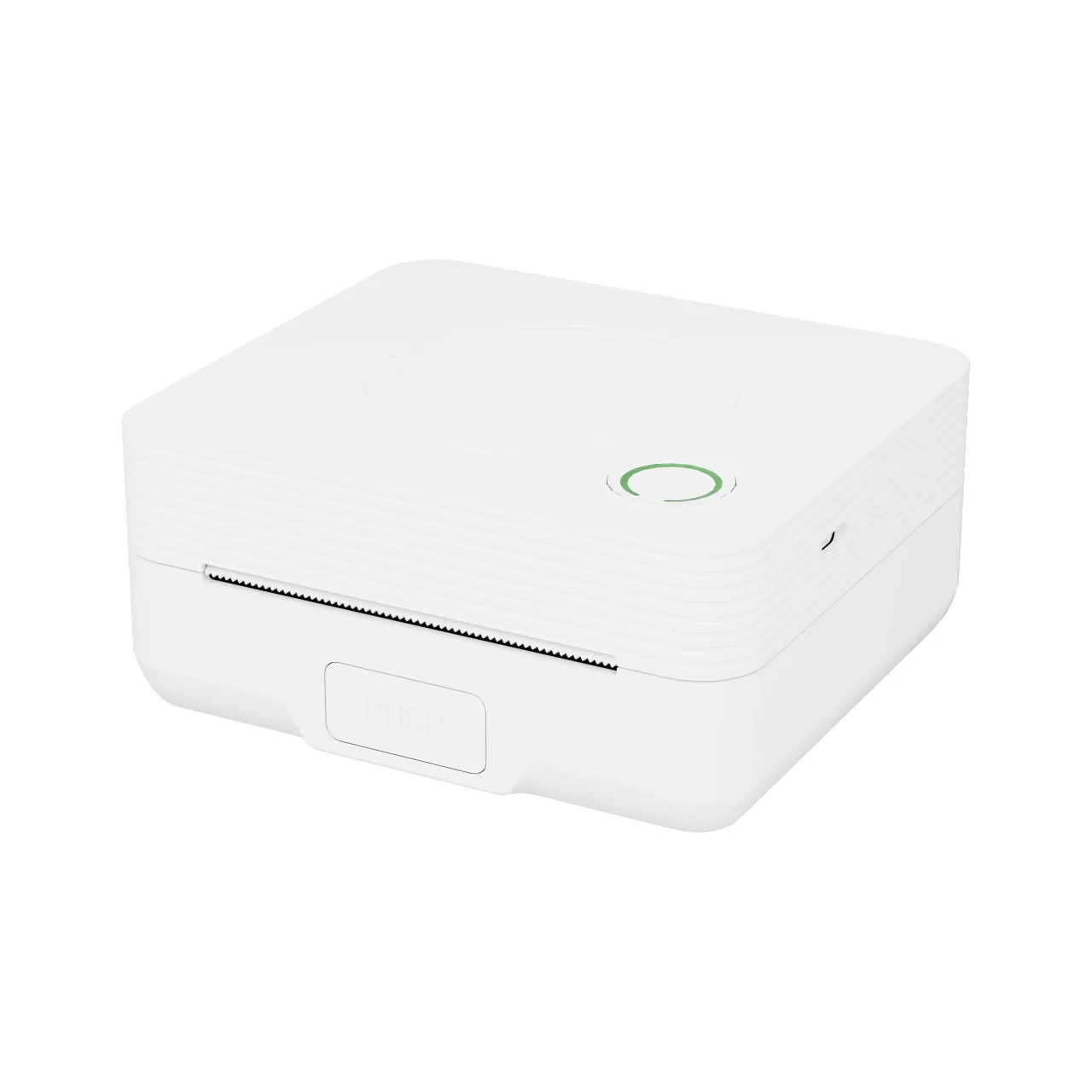
AiYin’s “home & office + business label printer” ecosystem is designed specifically for this mixed-use scenario, covering both document and label workflows within one product family.

Key design principle
Separation of responsibilities, not consolidation of devices.
Strategic benefit
Reduces cross-department interference and improves throughput clarity.
Common mistake
Trying to “standardize everything into one printer model” creates hidden workflow bottlenecks.
Solution 4 — Growing Office (Scaling Stage / Transition Phase)
Recommended Structure
- Start with a minimal dual-system setup
- Gradually expand thermal coverage as operational load increases
- Upgrade the traditional system only when the document demand scales
Why this works
Growth-stage companies usually misjudge:
- Operational volume growth rate
- Internal process complexity
- Label/asset tracking needs
At this stage, AiYin’s scalable portfolio (portable label printers → desktop label printers → industrial-grade systems) supports this transition path without forcing immediate infrastructure overhaul.



Key design principle
Scale printing infrastructure in response to workflow pressure, not organizational size.
Strategic advantage
Avoids premature overinvestment while maintaining flexibility.
Common mistake
Buying enterprise-grade centralized systems too early leads to underutilization and sunk costs.
Practical Decision Framework for Office Buyers
Step 1: Separate Printing Roles
Do not classify printers. Classify functions:
- Document output system
- Operational execution system
This separation is the foundation of correct procurement.
Step 2: Define Output Behavior
Ask:
- Is this output meant for storage or action?
- Is it repetitive or variable?
- Is formatting critical or secondary?
Behavior defines printer type more accurately than file format.
Step 3: Match Frequency to System Type
- Low-frequency + complex output → traditional printers
- High-frequency + repetitive output → thermal printers
Frequency mismatch is the most common cause of inefficiency.
Step 4: Evaluate Total Lifecycle Cost
Include:
- Consumables
- Maintenance cycles
- Workflow interruption cost
- Device replacement cycles
Not just purchase price.
Where Most Office Buyers Make Wrong Decisions
- Treating printing as a single unified system
- Choosing based on upfront cost instead of operational cost
- Ignoring departmental differences in printing behavior
- Underestimating consumable logistics stability
- Overloading one device to reduce procurement complexity
The result is predictable: higher long-term inefficiency disguised as simplicity.
Conclusion: Office Printing Is a System Design Problem, Not a Device Choice
The core mistake is trying to select one “best printer.” There is no single optimal device.
Correct structure:
- Traditional printers → document integrity layer
- Thermal printers → operational execution layer
Efficiency comes from separation, not consolidation.
FAQ
Do offices really need both thermal and traditional printers?
In most cases, yes. They serve different operational layers.
Which is cheaper for office use long term?
Depends on usage type. Thermal is cheaper for repetitive tasks; traditional is necessary for documentation.
Can thermal printers replace office printers?
No. They cannot handle structured documentation or archival requirements.
What is the main advantage of thermal printers in offices?
Speed, low maintenance, and efficiency in repetitive operational workflows.
Why are traditional printers still widely used?
Because document formatting, compliance, and long-term readability still depend on them.
Why Choose Aiyin To Be Your Office Thermal Printer Solution Supplier
At Aiyin, we realize that a reliable office thermal printer supplier is critical to system stability, not just device supply. We provide office thermal printer solutions with full-category coverage, direct factory production, and consistent batch quality.
As a recognized office thermal printer wholesale partner, we ensure stable supply, scalable procurement, and long-term cost control. Our OEM/ODM office thermal printer capabilities support format customization, workflow integration, and system-level expansion. With strict quality control and dependable after-sales support, we help B2B clients maintain operational continuity, reduce downtime, and build efficient, scalable office printing systems.