Mini thermal printers are an appealing tool for journaling, home organization, crafts, and quick photo prints. They promise instant, ink-free output in a compact package. But buyers who make a hurried decision often end up with disappointing print quality, frequent recharges, or incompatible consumables.
Below are the five most common mistakes, which Aiyin, a leading thermal printer manufacturer, has seen consumers make — and practical, actionable advice to avoid each one.
❌Assuming All Mini Thermal Printers Print the Same
The problem: Many shoppers compare only box specs (e.g., “203 DPI”) and assume parity across models. In reality, print quality depends on the printhead design, firmware image rendering, and media compatibility — not DPI alone.
What to check instead:
- Look for sample images or videos of real prints rather than relying on DPI numbers.
- Read longer-form user reviews describing text and barcode clarity, edge uniformity, and contrast.
- When possible, request a test print or sample media from the seller.
Why it matters: A subtle difference in the heating element or how the device renders grayscale can mean the difference between crisp labels and uneven, faded prints.
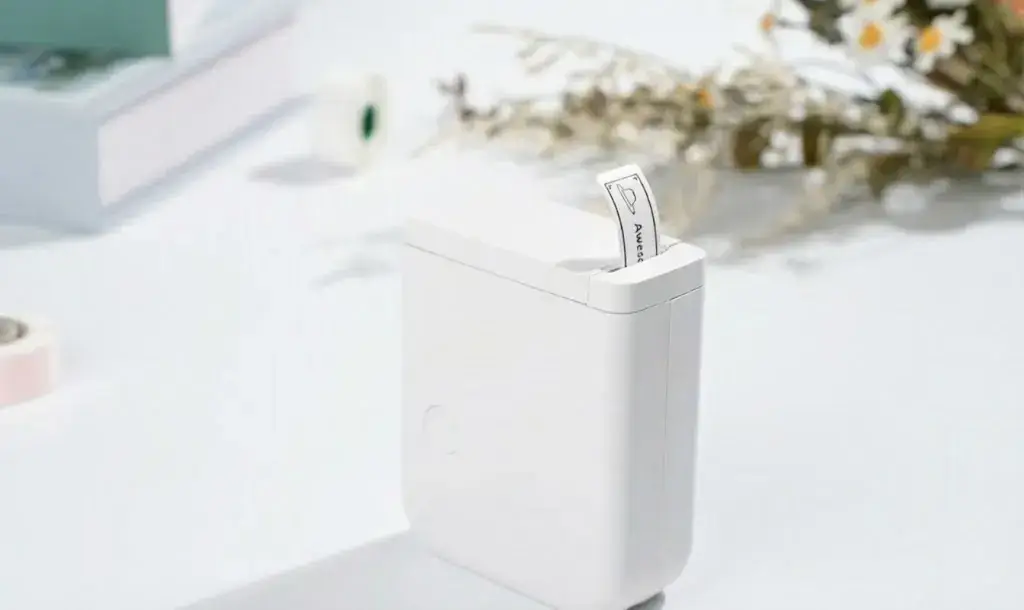
❌Ignoring Paper Size and Paper Type Compatibility
The problem: Mini printers use a variety of media widths and core sizes (e.g., 48mm, 57mm, 80mm). Some models accept only specific proprietary rolls or sticker formats. Buying a printer without confirming media compatibility creates ongoing supply headaches.
What to check instead:
- Confirm supported paper widths, maximum roll outer diameter (OD), and core ID.
- Determine whether the printer accepts adhesive labels, thermal receipt paper, or special photo paper.
- Prefer models that use standard roll sizes available from multiple suppliers.
Why it matters: Running a discontinued or proprietary paper format will force you into expensive single-source purchases or frequent stockouts.
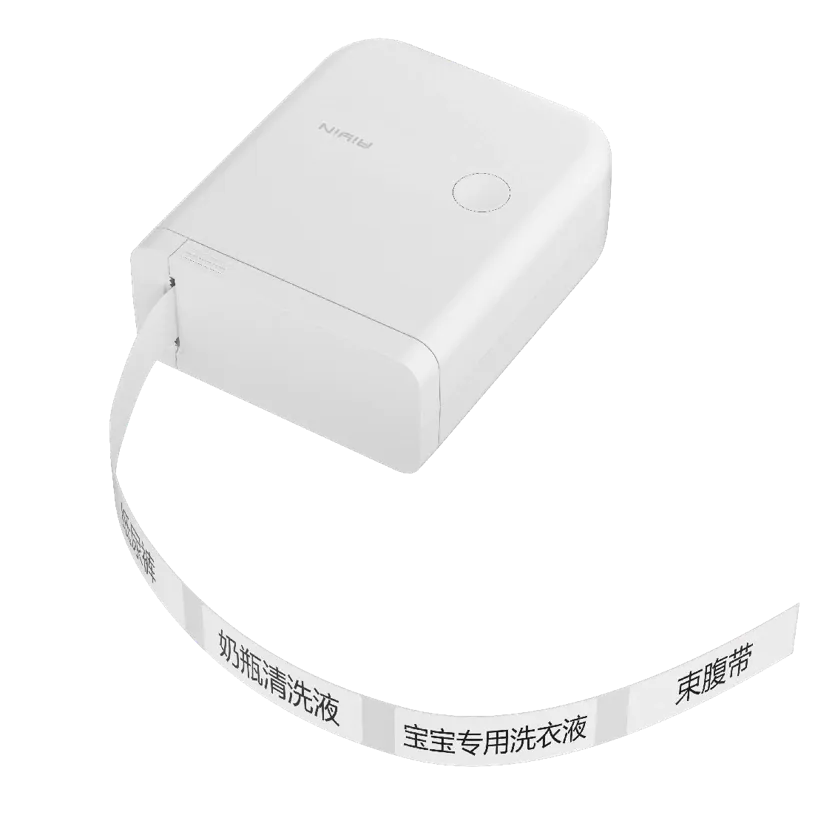
❌Overlooking Battery Life and Charging Convenience
The problem: Spec sheets often report battery capacity (mAh) but not realistic “prints-per-charge” for typical workflows. Buyers assume long battery life from raw mAh figures, then face mid-day outages or long recharge times.
What to check instead:
- Look for real-world metrics: prints per full charge under burst and intermittent patterns.
- Check the charge method (USB-C fast charge preferred) and whether the battery is swappable.
- Consider the standby drain and whether the device reports battery percentage to your phone/app.
Why it matters: In mobile or classroom use, unreliable battery performance undermines the device’s portability promise.

❌Choosing Solely on Looks or Price
The problem: Cute design and a low price tag are tempting. But ultra-cheap units often cut corners on materials, assembly quality, and firmware polish. That results in creaking housings, misfeeds, or flaky connectivity.
What to check instead:
- Prefer models with consistent build reviews: no loose ports, tight panel gaps, and reliable one-button operation.
- Look for small design details that matter: easy roll change, secure paper door latches, and tactile buttons.
- Factor in seller reputation and warranty support; a slightly higher purchase price may save time and money later.
Why it matters: Aesthetic appeal doesn’t compensate for poor ergonomics or frequent failure; durability and usability matter most for daily use.
❌Forgetting to Evaluate the App Experience and Compatibility
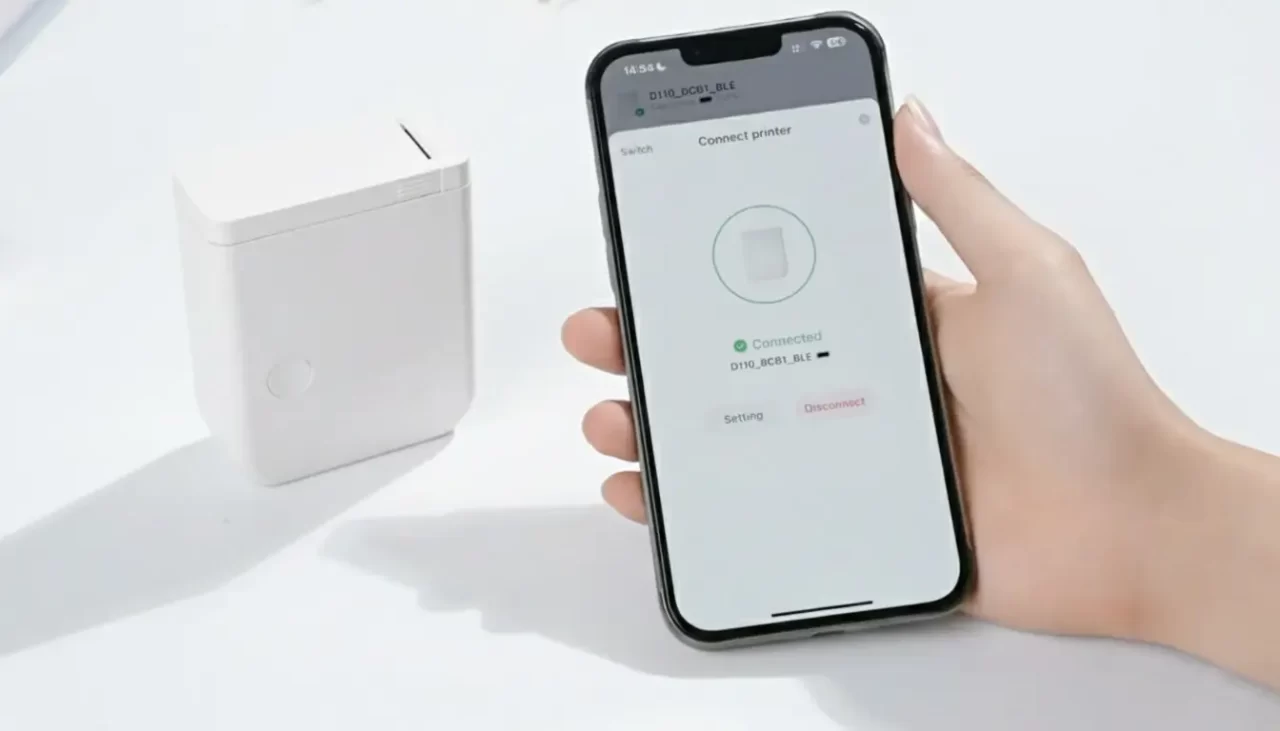
The problem: Many mini thermal printers rely on companion apps for templates, fonts, stickers, or image processing. A poor app — limited templates, slow rendering, unstable Bluetooth — ruins the overall experience even if the hardware is adequate.
What to check instead:
- Verify app availability and recent update history on iOS and Android stores.
- Test the template editor, image import, and connectivity flow before buying, if possible.
- Prefer printers that support standard printing protocols or provide simple image-to-print workflows without heavy app dependency.
Why it matters: A responsive, feature-rich app increases the device’s value; an unreliable app turns a fun gadget into frustration.
💡How to Choose the Right Mini Thermal Printer for Your Needs
Follow this short checklist before you click “Buy”:
- Define primary use: photos, labels, journaling, or kids’ crafts. Matching use to function avoids mismatched expectations.
- Confirm media compatibility: verify width, roll OD, and adhesive options.
- Assess real battery performance: look for prints-per-charge numbers or third-party tests.
- Test the app and connectivity: ensure your phone OS is supported and try the app if a trial exists.
- Check build quality: look for firm latches, no panel flex, and easy roll loading.
- Read long-form reviews: prioritize feedback on long-term use, not just unboxing.
- Consider consumables cost: compare paper roll prices and availability.
Final Thoughts
A mini thermal printer can be an extremely useful and enjoyable tool when chosen with intent. Avoid the common mistakes above by prioritizing real-world performance, media availability, battery practicality, build quality, and a solid companion app. With a little due diligence, you’ll buy a compact device that delivers consistent, fun, and practical prints for months or years to come.
About Aiyin
Aiyin is a thermal printer manufacturer that offers wholesale mini thermal printers and portable thermal printers, serving brands that require both reliability and flexibility. As a factory-direct supplier, we build on solid manufacturing capabilities to support custom thermal printer solutions, from structural design to exterior styling.
Our team works closely with partners to translate brand concepts into market-ready devices, while remaining open to new functions, formats, and product ideas. With stable production and an innovation-driven mindset, Aiyin is a trusted mini thermal printer factory for long-term cooperation.